I’ve been having a sort through my stockpile of boards and components and found enough spare parts to assemble more of the Festive Fireplaces. As I didn’t document how to re-program the ATtiny25 in the original post, this post will guide you through how to upload a new program to your Festive Fireplace.
(more…)Badges
PCB Pin Badges – HW Blinky
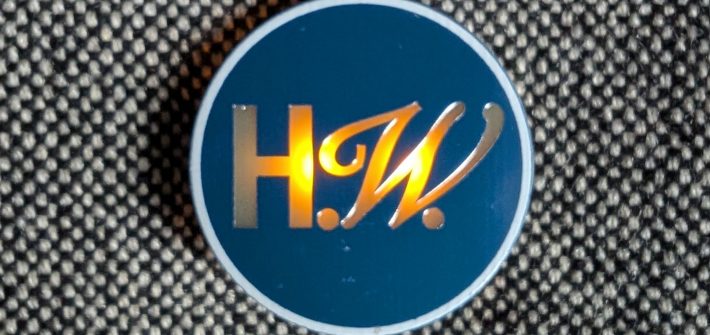
In the lead up to Hayley Williams’s UK tour I got inspired seeing people making bracelets and trinkets to share with each other. So of course I had to get involved and put my own spin on things.
(more…)PCB Pin Badges – 65 Blinky
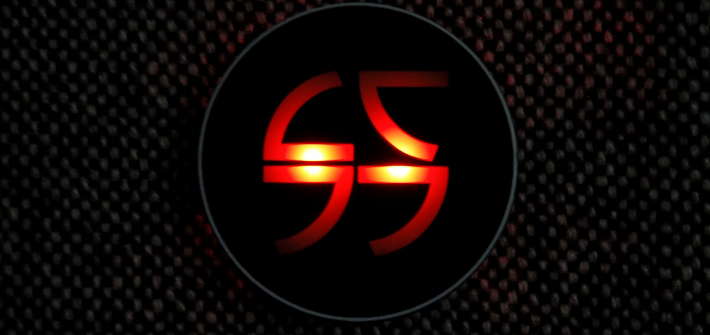
While I’m struggling to find the time to finish assembling the Chronometers, I did manage to throw together a new pin badge – this time with blinking LEDs!
(more…)PCB Pin Badges – Clamps SAO
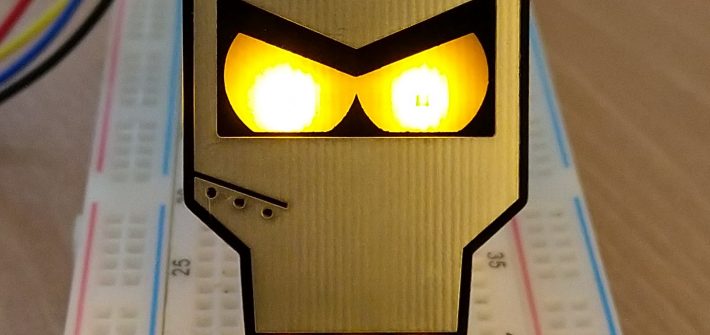
I’ve been wanting to revisit my original Clamps pin badge for a while and replace the 5mm through-hole LEDs with reverse mounted SMD LEDs like my more recent Skeletor and Roberto PCBs.
Despite getting pretty close to sending the design off for fabrication, I was concerned that the product just wasn’t different enough from the existing Clamps design. So I decided to create my first Simple Add-On!
(more…)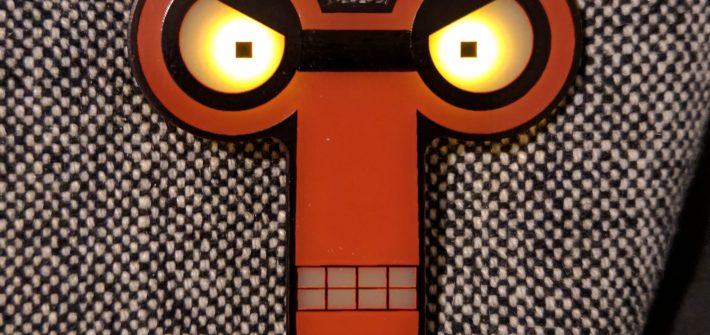
Xmas Fireplace Ornament PCB
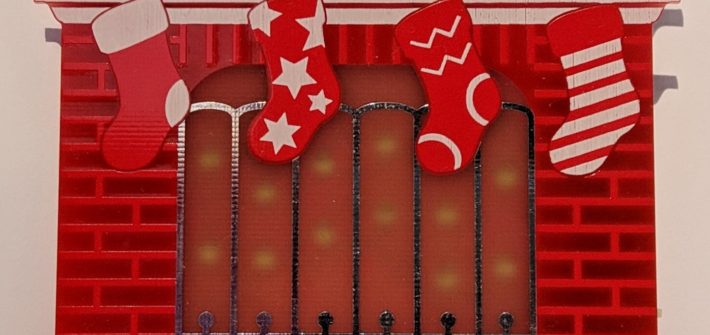
Inspired by seeing Xmas-themed-PCBs all over Twitter, an idea popped into my head. Two days later, I’d sent off a new PCB for manufacture.
(more…)PCBWay Fabrication
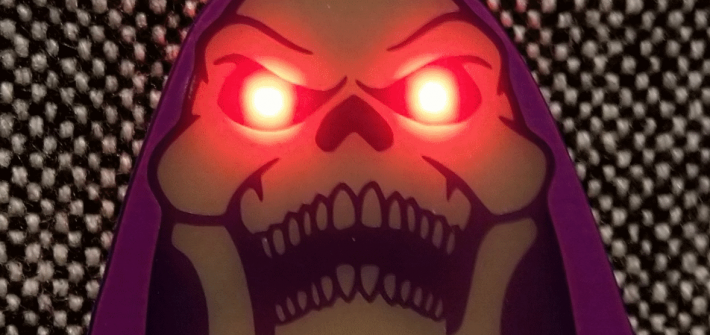
As I mentioned in the previous post I’ve been waiting on an order of Skeletor badges from PCBWay. I’m pleased to say they’ve arrived, so here’s a quick update.
PCB Pin Badges – Skeletor
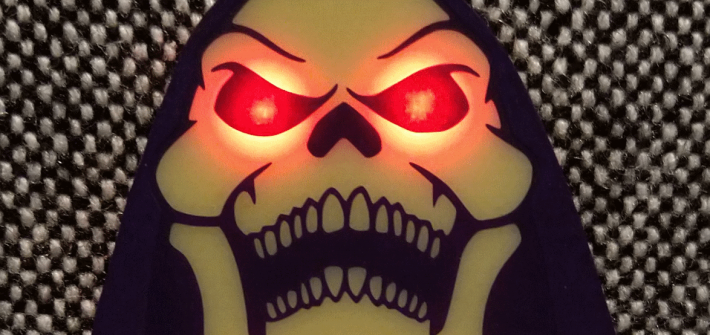
In previous posts I’ve talked about some of the difficulties I’ve had converting vector drawings to PCB layouts in Eagle. After discovering a video by Twinkle Twinkie where he shows off his workflow I thought I’d follow along and see what came out. The result is the Skeletor “Myah!” badge.
(more…)DirtyPCBs Fabrication (Update)
After selling all of the first batch of PCBs from DirtyPCBs, I put in an order for a second batch. They arrived this week so I thought I’d put together a quick update.